How to Set Up Your Account on the Patient Dossier Platform in Romania
Navigating the medical bureaucracy in Romania often feels like a full-time job, especially when you are handed a stack of handwritten paper prescriptions you can barely read. This guide explains how to set up your account on the Patient Dossier Platform (DES), finally digitizing your medical records and ending the endless cycle of lost paperwork and administrative confusion.
Understanding the Romanian Patient Dossier (DES) System
The Dosarul Electronic de Sănătate, commonly referred to as DES, is a centralized national database designed to consolidate all your medical interactions within the Romanian public health system. If you have ever felt overwhelmed by the need to remember every vaccine, surgery, or minor consultation you’ve had since arriving in Bucharest or Cluj, this platform is meant to be the solution. It collects data from hospitals, family doctors, and laboratories, creating a digital "passport" of your health status that follows you regardless of which provider you visit.
For many of us moving here from countries with highly integrated digital systems, the shift to Romania's mix of paper and digital can be jarring. The DES was built to bridge that gap. It isn't just a storage space; it is a legal requirement for medical providers to upload information here if they are working with the National Health Insurance House (CNAS). When you visit a specialist and they ask for your history, having this account active allows them—with your permission—to see exactly what your family doctor has recorded, potentially saving you from redundant and expensive testing.
However, the platform has a reputation for being a bit "finicky." It is entirely in Romanian, and the security protocols are strict, which is understandable given the sensitivity of the data. As an expat, setting this up is a major milestone in your integration. It signifies that you are no longer just a visitor navigating the system from the outside but a registered resident with a digital footprint in the national infrastructure. This is why Navigating the Romanian Healthcare System: An Expat's Roadmap (2027) is such an essential first step before even attempting to log into the portal.
What Exactly is the Dosarul Electronic de Sănătate?
At its core, the DES is a secure web portal that hosts your medical history, including clinical observations, laboratory results, medical imaging reports, and prescriptions. Unlike a private clinic’s app, which only shows what happened at their specific locations, the DES is supposed to be universal. If you have a blood test at a public hospital in Iași and then see a specialist in Timișoara, the data should, in theory, be available in your dossier. This is particularly helpful for chronic conditions or emergencies where you might not be able to communicate your full history.
The system is divided into different sections: the "Emergency" section, which is accessible to doctors even without your specific PIN in life-threatening situations; the "History" section; and the "Medical Profile." I remember the first time I saw my own dossier; it was a strange mix of relief and confusion. Seeing my flu shot from three years ago listed next to a random consultation for a sprained ankle made the system feel real. It is a powerful tool for self-advocacy, allowing you to double-check that what the doctor told you in the office matches what was officially recorded in the system.
Why Every Expat Needs Digital Access
The most practical reason to set up your DES account is to keep track of the Understanding the Electronic Prescription (Rețeta Electronică) System in Romania. If you lose that little piece of paper the doctor gave you, having the digital record can be a lifesaver. Furthermore, when you are dealing with the language barrier, being able to log into a portal at home and use a translation tool to understand your diagnosis or the results of a blood panel is incredibly empowering. It removes the "guesswork" from your healthcare.
Beyond convenience, there is the issue of administrative continuity. If you decide to change your family doctor—a process detailed in How to Switch Your Family Doctor (Medic de Familie) in Romania—having an active patient dossier ensures that your new physician can immediately see your past treatments. Without this, you are often left trying to manually transfer files, which can lead to gaps in your care. It also provides a level of transparency; you can see every time a medical provider accesses your file, which is a great security feature for your personal data.
The Prerequisites: What You Need Before Setting Up Your Account
You cannot simply go to the DES website and "Create an Account" like you would on a social media platform. The Romanian government requires a high level of identity verification for medical records. The very first thing you need is a valid CNP (Cod Numeric Personal). This is your unique identity number found on your residency permit. Without a CNP, the public health system basically doesn't know you exist, and the DES platform will not be able to pull any data for you.
For those who are new to the country and still waiting for their residency paperwork to clear, you might find yourself in a "coverage gap." During this time, many expats rely on SafetyWing to ensure they are protected for any emergencies or unexpected illnesses. While SafetyWing is fantastic for global health and travel coverage, it operates outside the Romanian public DES system. You will only be able to start the DES setup once your local residency and CASS (health contribution) status are formalized.
The second major requirement is the physical health card. This is a small, plastic card with a chip, similar to a credit card. It is sent to your registered address once you have been paying into the system for a certain period. If you are an EU citizen, you might think your European card is enough, but for the DES, you specifically need the Romanian national card or a temporary certificate issued by the health house. The interplay between these documents is explained in Understanding the Electronic Health Card (Cardul de Sănătate) in Romania.
The Mandatory Electronic Health Card (Cardul de Sănătate)
The health card acts as the physical key to your digital dossier. Every time you visit a doctor or a pharmacy within the public system, they will ask for this card and your 4-digit PIN. To set up your online portal access, the system needs to verify that the person requesting access is indeed the owner of the card. The card contains your basic identification data and an encrypted digital signature that allows the DES to "unlock" your records.
If you haven't received your card yet—which is a common frustration for expats—you may need to visit the CNAS office in your city to check on its status. In the meantime, you can sometimes use a "certificate in place of a card" (adeverință înlocuitoare), but this makes the online setup significantly more complicated. Most people find it easiest to wait until the physical card arrives. This wait is another reason why having a backup like SafetyWing is a smart move, as the administrative gears in Romania can turn quite slowly.
Your CNP and its Role in the System
Your CNP is the "master key" for all administrative services in Romania. In the context of healthcare, it is the number that links your employer's tax contributions to your medical rights. When you attempt to initialize your DES account, the system cross-references your CNP with the database of insured persons. If there is a mismatch—perhaps your name was spelled differently on your residency permit than on your work contract—you will hit a wall.
Many expats struggle because their CNP wasn't correctly registered with their family doctor. If you are unsure of your status, you should check How to Get Your CNP (Personal Numeric Code) for Healthcare Access in Romania to ensure your foundation is solid. Once the CNP is recognized by the system, it acts as your username for the DES platform, ensuring that your records remain unique to you and cannot be accidentally merged with someone else's, even if you share a common name.
Step-by-Step Guide to Initializing Your Patient Dossier
The initialization process is the most "Romanian" part of the experience, meaning it requires a face-to-face interaction and a specific piece of paper. You cannot do this entirely from your laptop. The security model requires a medical professional to "authorize" your first-time access. This is usually done through your family doctor, but it can also be done at a hospital or a laboratory if they have the necessary software and are willing to help.
The first step is to make an appointment with your family doctor specifically for this purpose. When you go, bring your residency permit (with the CNP) and your physical health card. You must tell the doctor you want to "initialize" your DES. In Romanian, you would say: "Vreau să îmi activez dosarul electronic de sănătate." The doctor will then insert your health card into their reader, ask you to enter your PIN on their terminal, and generate an "Initialization Key" (Cheia de Acces).
Visiting your Family Doctor (Medic de Familie)
Your family doctor is the gatekeeper of your healthcare in Romania. If you haven't found one yet, you should prioritize The Expat Guide to Finding a Family Doctor (Medic de Familie) in Romania. During your visit for the DES setup, the doctor will access the national portal using their own digital certificate. They will check if a dossier already exists for you (which it should, if you’ve had any medical activity) and then trigger the creation of your credentials.
Be aware that some doctors might be unfamiliar with the process if they don't have many tech-savvy patients. Don't be discouraged; the functionality is built into every standard medical software used in Romania. It only takes about two minutes for them to print the required document. This document contains a long, complex string of characters—the Initialization Key—which you will need to log in for the very first time.
Obtaining your "Initialization Key" (Cheia de Acces)
This key is a one-time-use password. Once the doctor prints it for you, keep it very safe until you get home. It usually has an expiration date, so don't wait weeks to use it. The printout will also contain instructions on which website to visit (typically des-cnas.ro). The key is case-sensitive and can be quite long, so it is wise to type it into a notepad first to make sure you haven't missed any characters before pasting it into the portal.
If you lose this key before you’ve set up your permanent password, you will have to go back to the doctor and ask them to generate a new one. There is no "forgot password" link for the initialization phase because the system needs that physical verification from the health card reader. This is why the initial setup is such a hurdle, but once it's done, you won't need to ask the doctor for help again.
Setting your Permanent Password and PIN
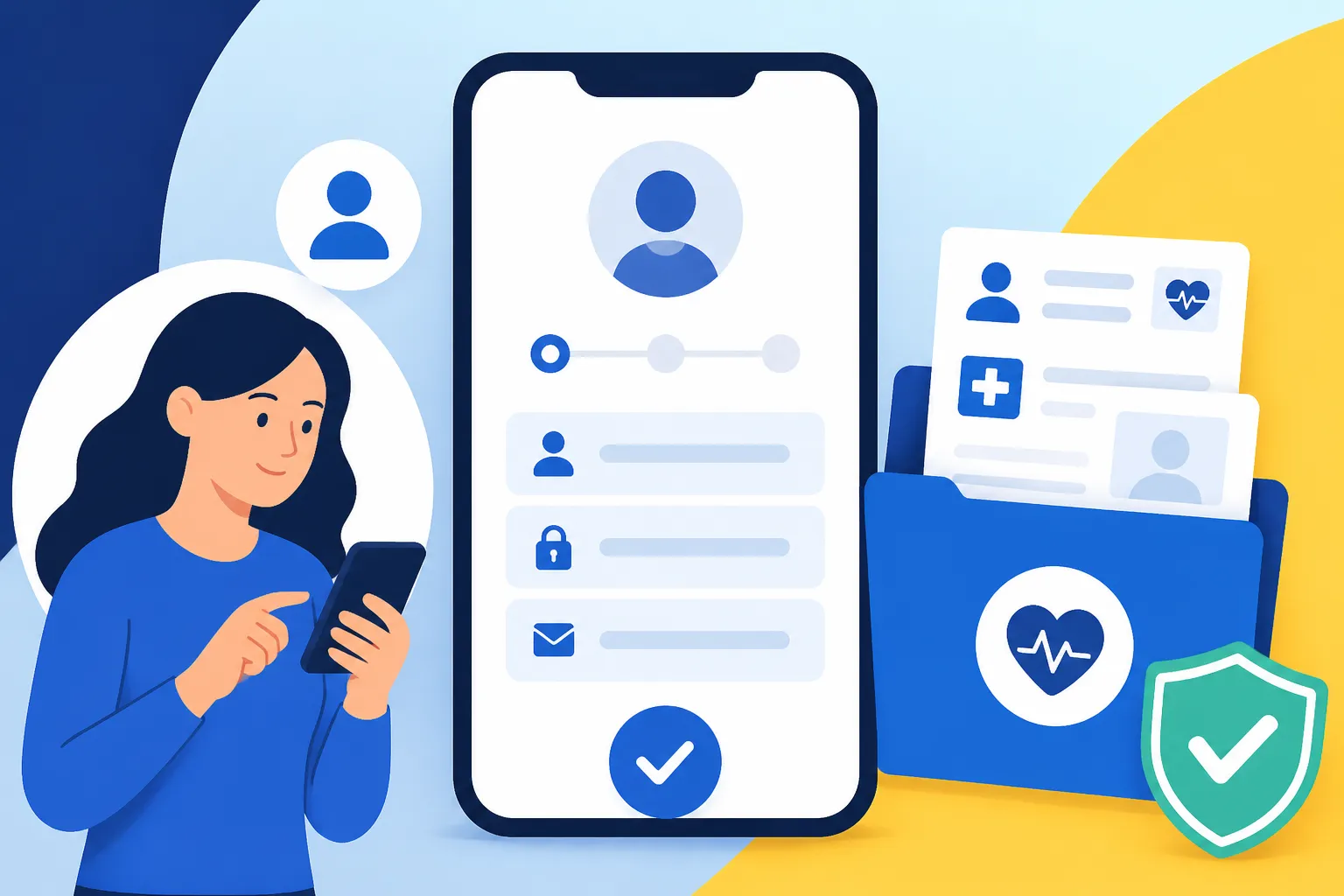
Once you have the key, go to the official portal and select the "First Login" or "Initialization" option. You will be asked for your CNP and the initialization key from the paper. After entering these, the system will prompt you to create a permanent password. Make it strong. You will also be asked to set a 4-digit PIN specifically for the dossier. This is different from your physical health card PIN, although many people choose to make them the same to avoid confusion.
After this step, you are officially in. You will see a dashboard with various sections. Take some time to explore. If you don't see any data yet, don't panic. Sometimes it takes a few days for the systems to sync, or perhaps you haven't had any medical visits since the system was implemented. The important thing is that the "pipe" is now open. If you are also using SafetyWing for international travel, remember that those records won't show up here, as SafetyWing manages its own claims and documentation independently.
Navigating the Platform and Managing Your Records
The DES interface is divided into several "modules." The most important one for most expats is the "Medical History" (Istoric Medical). Here, you can find a chronological list of every time a doctor used your health card. It will show the clinic name, the doctor's name, and the reason for the visit. If there was a prescription issued, you could see the exact medications and dosages.
Another critical area is the "Emergency Data" (Datele de Urgență). This section contains information that could save your life: your blood type, known allergies, chronic illnesses, and any life-sustaining treatments you are on. You can actually edit some of this information yourself, or ask your doctor to update it. In a crisis, the emergency services (SMURD) can access this specific section using your CNP without needing your password, which is a vital safety net.
Accessing Medical History and Prescriptions
Within the history module, you can click on specific entries to see more detail. For example, if you had a blood test at a public clinic, the results should eventually appear here. This is incredibly helpful when you need to show those results to a different specialist. Instead of carrying a folder of papers, you can just show them the digital record on your phone or tablet.
Regarding Understanding the Electronic Prescription (Rețeta Electronică) System in Romania, the DES allows you to see both "compensated" (subsidized) and "non-compensated" prescriptions. This is great for checking if a prescription is still valid or seeing exactly how many refills you have left. It also helps in preventing drug interactions, as you can show a new doctor exactly what you have been taking over the last few months.
Granting Access to Different Doctors
By default, only your family doctor has full access to your dossier. When you visit a new specialist, they will ask for your health card. When they "validate" the visit with your card and PIN, they are granted temporary access to your records for the duration of the consultation. However, the DES also allows you to grant "permanent" or "extended" access to specific doctors you trust.
In the "Access Management" (Managementul Accesului) section of the portal, you can see a list of everyone who has looked at your file. If you see an entry you don't recognize, you have the right to question it. This transparency is a major plus for patient rights in Romania. You can also revoke access at any time. Managing these permissions correctly is a key part of Understanding How Specialist Referrals (Bilet de Trimitere) Work in Romania, as it ensures the specialist has the context they need to treat you effectively.
Common Technical Hurdles and How to Fix Them
The DES system is not without its flaws. The servers frequently go down for maintenance, often without warning. If you try to log in and get a "Connection Refused" or a generic error page, the best thing to do is wait a few hours and try again. It is also highly sensitive to which web browser you use; generally, the latest versions of Chrome or Firefox work best, while older versions or certain mobile browsers may struggle with the encrypted login process.
Another common issue is "data lag." You might visit a doctor today, but the visit doesn't show up in your dossier for a week. This is because some clinics batch-upload their data at the end of the week. If a record is missing after ten days, you should contact the clinic where the visit took place and ask them to ensure the data was transmitted to the national system.
What to Do If Your Health Card Isn't Working
If you insert your card at the doctor's office and it says "Card Invalid" or "Communication Error," it might be a problem with the card's chip or the doctor's reader. First, try cleaning the chip with a soft cloth. If it still fails, you may need to request a duplicate card from the CNAS. This can be a long process, taking several weeks or even months.
During the period you are without a working card, your access to the DES online portal should remain active via your password, but doctors won't be able to upload new data easily. This "administrative limbo" is a prime example of why having supplemental insurance like SafetyWing is so important for expats. It ensures that if the local system fails you technically, you still have a private fallback for your healthcare needs.
Recovering Lost Credentials
If you forget your DES password, there is a "Recover Password" link on the homepage. However, this only works if you correctly set up your security questions and have access to the email address you used during initialization. If those fail, you are back to square one: you will need to visit your family doctor again to get a new Initialization Key.
The system does not allow you to change your CNP (obviously) or your username. If you lose your 4-digit dossier PIN, you can usually reset it within the portal once you are logged in with your password. It is wise to store these credentials in a secure password manager. Losing access isn't just a nuisance; it means losing the ability to quickly provide your medical history in an emergency.
Comparing Public and Private Digital Health Management
Many expats in Romania also have private medical subscriptions through companies like Regina Maria or MedLife. These providers have their own excellent apps and portals (like "MyAccount" or "Click2Health"). It is important to understand that these private portals are not the same as the national DES. While some private clinics do upload data to the DES, they primarily keep their records in their own proprietary systems.
The private apps are much more user-friendly, often available in English, and allow you to book appointments directly. However, they only show your history within that specific network. The DES remains the only "complete" record if you ever use a public hospital or a different private provider. For a full comparison of these two worlds, see Public vs Private Healthcare in Romania: Which Should Expats Choose?.
DES vs. Private Clinic Portals
The biggest difference is the scope of data. A private portal is like a "walled garden." It's beautiful and easy to use, but it doesn't know what happened when you went to the public emergency room at Floreasca Hospital. The DES is more like a "wild forest"—it's a bit messy and hard to navigate, but it contains everything.
| Feature | National Patient Dossier (DES) | Private Portals (e.g., Regina Maria) |
|---|---|---|
| Data Scope | All providers (Public & Private) | Only that specific private network |
| Language | Romanian Only | Romanian & English |
| Access | Requires Health Card/Initialization Key | Requires Email/Password or App Login |
| Cost | Free (Included in CASS) | Included in your monthly subscription |
| Booking | No booking functionality | Integrated appointment booking |
| Prescriptions | Shows all official e-prescriptions | Shows only prescriptions from their doctors |
Making the Most of Both Systems
The smartest strategy for an expat is to use both. Use the private apps for your day-to-day needs—booking a dermatologist or checking your annual blood work. Use the DES as your "permanent archive." Every few months, log into the DES to make sure the major events from your private visits have been uploaded. If they haven't, you can actually download the PDF results from your private portal and keep them in a personal cloud folder as a backup.
In the end, setting up your Patient Dossier account is about taking ownership of your health in a new country. It’s one of those "boring" administrative tasks that feels like a huge victory once completed. It gives you a sense of security, knowing that your medical history is codified and accessible within the national framework. Combined with a reliable expat-focused insurance like SafetyWing for your international needs, you will be well-prepared for whatever life in Romania throws your way.
Disclaimer
The information provided in this guide is for informational purposes only and does not constitute legal or medical advice. Healthcare regulations and digital platforms in Romania are subject to frequent changes. Always consult with the National Health Insurance House (CNAS) or a qualified legal professional for the most up-to-date requirements.