How Do I Access My Electronic Health Record Online in Romania?
Navigating the Romanian medical system often feels like trying to solve a puzzle where half the pieces are missing and the instructions are written in archaic legalese. One of the biggest frustrations for expats is the lack of a centralized, easy-to-access medical history, leading to repeated tests and lost paperwork. This guide explains exactly how to bridge that gap by accessing your Dosarul Electronic de Sănătate (DES) online.
Understanding the Dosarul Electronic de Sănătate System
If you have spent any time in a Romanian hospital or a family doctor’s waiting room, you have likely seen the thick, weathered folders of paper that patients carry like sacred relics. For years, the Romanian healthcare system was entirely paper-based, making it nearly impossible for a specialist in Cluj to know what a cardiologist in Bucharest prescribed you six months ago. The Dosarul Electronic de Sănătate, or DES, was designed to fix this by creating a digital repository of every medical interaction you have within the public system or with private providers contracted by the National Health Insurance House (CNAS).
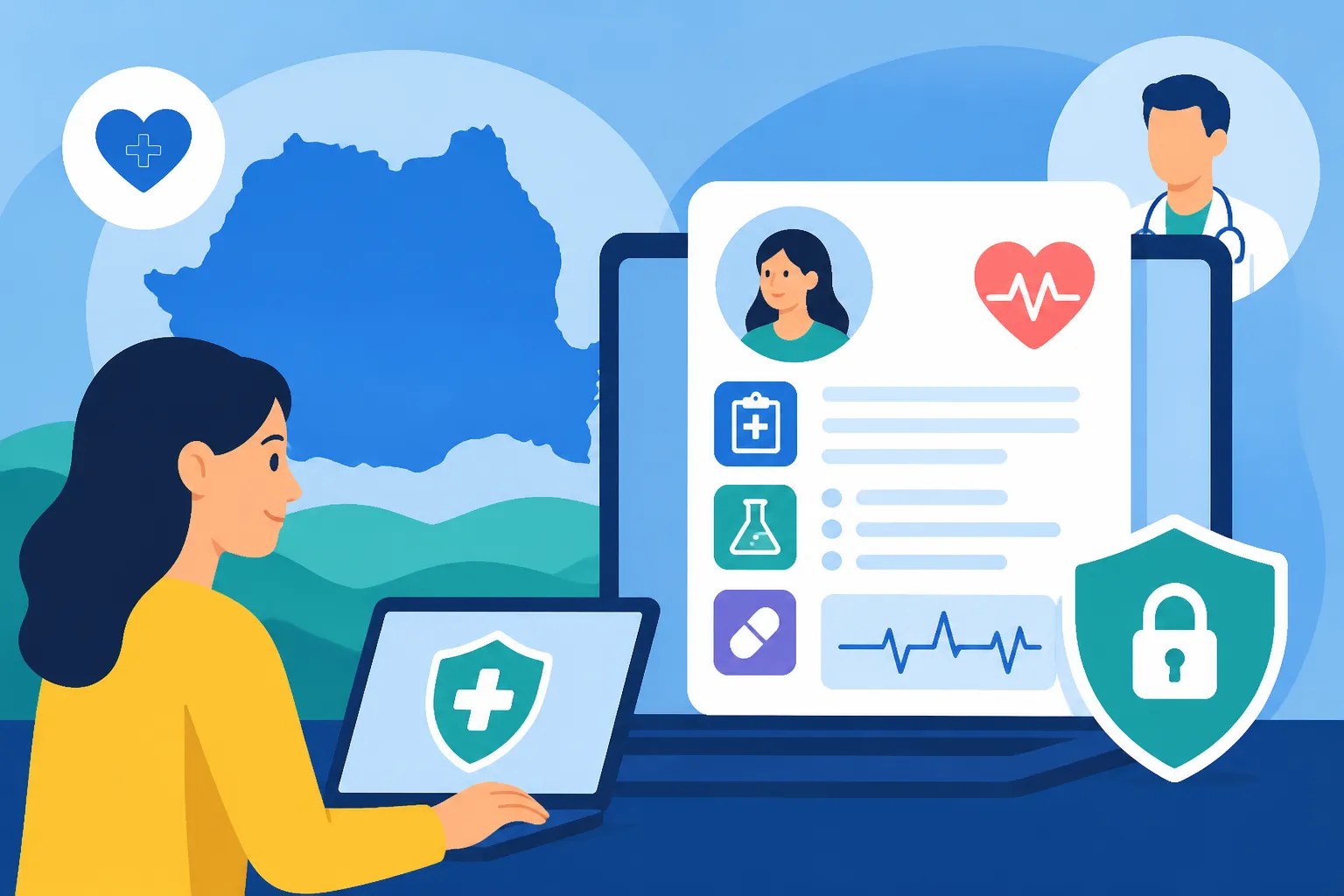
The DES is essentially a digital version of your medical life in Romania. It is not just a list of appointments; it is a comprehensive database that includes your blood type, known allergies, chronic conditions, past surgeries, and every laboratory result that has been uploaded to the national system. For an expat, having this data accessible online is a game-changer. It means you no longer have to worry about translating a handwritten note from a frantic doctor or trying to remember the exact name of a medication you took three years ago.
However, the DES is not something that simply "works" the moment you arrive. It is intrinsically tied to your legal status in the country. To have a record at all, you must first ensure you have completed the necessary administrative steps to be part of the system. This starts with knowing How to Get Your CNP (Personal Numeric Code) for Healthcare Access in Romania because your CNP is the unique identifier that anchors your digital health record. Without this number, you effectively do not exist in the eyes of the digital health portal.
The Link Between Your Health Card and the DES
The primary key to your electronic health record is your physical health card. You might have heard locals calling it the "Card de Sănătate." This small piece of plastic is more than just proof of insurance; it contains the encrypted chip that authorizes doctors to write data into your electronic file. If you haven't received yours yet, you are likely stuck in a limbo of paper certificates. Understanding the Electronic Health Card (Cardul de Sănătate) in Romania system is vital because the activation of your online portal often requires the PIN you set for this physical card.
Many expats find themselves in a situation where they are working and paying taxes but haven't yet received their physical card due to bureaucratic delays. In these gaps, it is common to feel vulnerable. While you wait for the state system to catch up with your digital existence, many of my friends have used SafetyWing to ensure they have coverage that doesn't depend on a plastic card or a Romanian CNP. It provides a necessary safety net while you are navigating the hurdles of the national system.
Why Your Data Might Be Missing
A common complaint I hear from fellow expats is that they finally managed to log in, only to find their record empty. This usually happens for one of two reasons. First, the DES only records "validated" medical acts. If a doctor sees you but doesn't "close" the consultation in the national system using their digital signature, that data won't appear in your DES. Second, if you only visit high-end private clinics that do not have contracts with the state, your data stays in that clinic’s proprietary system and never migrates to the national DES.
To ensure your history is being built, you should always check if your provider is using the national system. This is most common when you are Navigating the Romanian Healthcare System: An Expat's Roadmap (2027) through the public route. Even if you prefer private care, registering with a local physician is the only way to ensure your long-term history is captured in the state's digital infrastructure.
Step by Step Guide to Accessing Your DES Portal
Accessing the portal for the first time is, admittedly, not the most intuitive process. You cannot simply go to a website, click "Sign Up," and create a password like you would for a social media account. Because the data is extremely sensitive, the security protocols are rigorous and require a face-to-face interaction with a medical professional at least once to "unlock" your access.
The official portal is managed by CNAS and can be found at the "des-cnas.ro" domain. When you first visit the site, it will look like something from the early 2000s, but don't let the dated interface fool you—the data behind it is what matters. To log in, you need two things: your CNP and an "Access Key" (Cheie de Acces) or a "Matrix" (Matricea de Securitate).
Obtaining Your DES Matrix and Activation Key
This is the part where most people get stuck. To get your access credentials, you must visit a doctor who has a digital signature and is connected to the national system. The most straightforward way to do this is by Registering for Public Health Insurance (CASS) in Romania (2027) and then visiting your chosen primary care provider.
When you are at the doctor's office, you must explicitly ask for the "Matricea pentru Dosarul Electronic de Sănătate." The doctor will generate a printout for you. This paper contains a grid of numbers and letters—think of it like an old-school bank security card. You will also be asked to set a password. Once you have this physical matrix, you can go home, access the portal, and enter the specific coordinates from the grid that the website requests. This "two-factor authentication" is how Romania ensures that only you (or someone you authorize) can see your private medical history.
Navigating the Portal Interface
Once you have bypassed the security grid, you will enter the main dashboard. The interface is entirely in Romanian, which can be a significant barrier. I highly recommend using a browser with a built-in translation tool, but be careful, as technical medical terms can sometimes be mistranslated.
The portal is divided into several "folders." The "Sumar de Urgență" (Emergency Summary) is the most critical section. It contains information that any ER doctor would need to know immediately: your blood type, any life-threatening allergies, and chronic conditions. If you are ever in an accident, a doctor can access this specific section even without your PIN, provided they have your health card. For everything else, the portal remains locked. This is why Emergency Medical Care in Romania: What Every Expat Know often emphasizes the importance of having your card on you at all times.
Granting Access to Different Doctors
One of the more advanced features of the DES is that you can choose who sees your data. You can grant "full access" to your family doctor while giving a specialist "read-only" access for a limited period. This level of control is excellent for privacy, but it can be frustrating if you forget to grant access before an appointment. Most expats find it easiest to grant their "Medic de Familie" (Family Doctor) persistent access so they can help coordinate care. If you haven't found a doctor yet, check out our guide on The Expat Guide to Finding a Family Doctor (Medic de Familie) in Romania to get started.
What Information Can You Find in Your Online Health Record
Once you are inside, the volume of data can be overwhelming. The system is designed to track everything from the moment the DES was implemented (around 2014). If you have been a resident since then, you might find a decade's worth of history. If you are new, it will likely be a blank slate that you need to fill.
The portal is organized into logical sections that mirror a standard medical file. Understanding these sections helps you verify that your doctors are actually recording your visits correctly and that your insurance contributions are being utilized.
Medical History and Emergency Data
The "Istoric Medical" section is the meat of the record. It lists every diagnosis you have received that was billed to the state insurance. This includes hospitalizations, consultations in a "policlinică," and even some home visits.
| Section Name (Romanian) | Content Description | Access Level Required |
|---|---|---|
| Sumar de Urgență | Blood type, allergies, chronic diseases | Public (for medical staff in emergencies) |
| Istoric Medical | Past diagnoses, surgeries, hospitalizations | Patient PIN or Matrix |
| Tratamente | List of prescribed and dispensed medications | Patient PIN or Matrix |
| Rezultate Laborator | Blood tests, imaging results (CT/MRI), biopsies | Patient PIN or Matrix |
| Imunizări | Vaccination history | Patient PIN or Matrix |
If you are an EU citizen and have used your European Health Insurance Card, those records might not always automatically appear here. It is worth learning How to Use Your EHIC (Cardul European) in Romania as an EU Citizen to see how those two systems interact. Often, EHIC records are handled through a separate administrative branch, and you may need to ask your doctor to manually upload those results to your DES to keep everything in one place.
Prescriptions and Lab Results
The "Tratamente" section is particularly useful because Romania has moved almost entirely to a digital prescription system. When a doctor issues a prescription, it is uploaded to the cloud immediately. You can see the Understanding the Electronic Prescription (Rețeta Electronică) System in Romania details directly in your portal. This is a lifesaver if you lose the piece of paper the doctor gave you; the pharmacist can still find the prescription using your CNP and health card, and you can verify the dosage and instructions in your DES.
Similarly, the "Rezultate Laborator" section allows you to download PDFs of your blood work. In the past, you had to go back to the clinic to pick up a physical copy. Now, as long as the lab is part of the national network, the results should appear in your portal. This makes it much easier to get a second opinion or to share your data with a doctor in your home country.
Common Hurdles and How to Overcome Them
If the process sounds complicated, that's because it often is. Romania's digital infrastructure is a strange mix of cutting-edge speed and bureaucratic stagnation. You will likely encounter errors, especially when first trying to sync your card with the online portal.
The most common issue is a "Certificate Error" when trying to access the DES website. This usually happens because the site uses a security certificate that some modern browsers (like Chrome or Safari) find suspicious. You often have to click "Advanced" and then "Proceed anyway" to actually see the login page. It’s not the most reassuring start to viewing your private health data, but it is a standard part of the Romanian digital experience.
Technical Glitches and Browser Compatibility
The DES portal was originally optimized for Internet Explorer—a browser that is now effectively dead. While the developers have updated it to work with modern browsers, it still "prefers" certain settings. If you find that the "Matrix" popup isn't appearing, check your pop-up blocker. If the page won't load at all, try using a different browser or clearing your cache.
For many expats, the sheer frustration of these technical glitches is enough to make them give up. This is why having a secondary option like SafetyWing is so popular. When the state system feels like a maze of broken links and Romanian-only error messages, having a private provider with an English-speaking app and 24/7 support provides immense peace of mind.
Language Barriers and Data Discrepancies
As mentioned, the portal is entirely in Romanian. Words like "asigurat" (insured) and "neinternalizat" (not hospitalized/outpatient) are vital to understand. If you find a discrepancy in your data—for example, a diagnosis you never received or a medication you didn't take—resolving it is difficult. You cannot "edit" your own record. You must contact the doctor who made the entry or the local Health Insurance House (CAS) in your county.
If you live in the capital, you will be dealing with the CASMB (Bucharest). If you're wondering How Do I Register for CASS After Moving to Bucharest?, remember that your digital record only starts to "populate" once your registration is active and your employer (or you, if self-employed) starts paying the monthly contributions.
What to do if You Don't Have a Matrix
If you cannot get to a doctor to get a physical matrix, there is a "lite" version of the portal you can access using only your health card and PIN, provided you have a card reader attached to your computer. Most people don't own a smart-card reader, so the matrix remains the most accessible route. If you are struggling with the basic setup of the system, it might be worth reviewing The Complete Guide to Healthcare in Romania for Expats (2027) to ensure you haven't missed a foundational step like registering with the tax authorities or obtaining the correct residency permit.
In the end, while the Dosarul Electronic de Sănătate has its flaws, it is a powerful tool for any expat planning to stay in Romania long-term. It places your medical history in your hands, allowing you to move between public and private providers with a degree of continuity that was impossible just a decade ago. It takes some patience and a bit of "administrative courage," but once you are in, you'll find the transparency well worth the effort.
Disclaimer
This guide is intended for informational purposes only and does not constitute professional medical or legal advice. The Romanian healthcare system and the digital DES portal are subject to frequent legislative and technical changes. Always verify current procedures with the National Health Insurance House (CNAS) or your local medical provider. The author and publisher are not responsible for any issues arising from the use of the portal or the information contained within this guide.